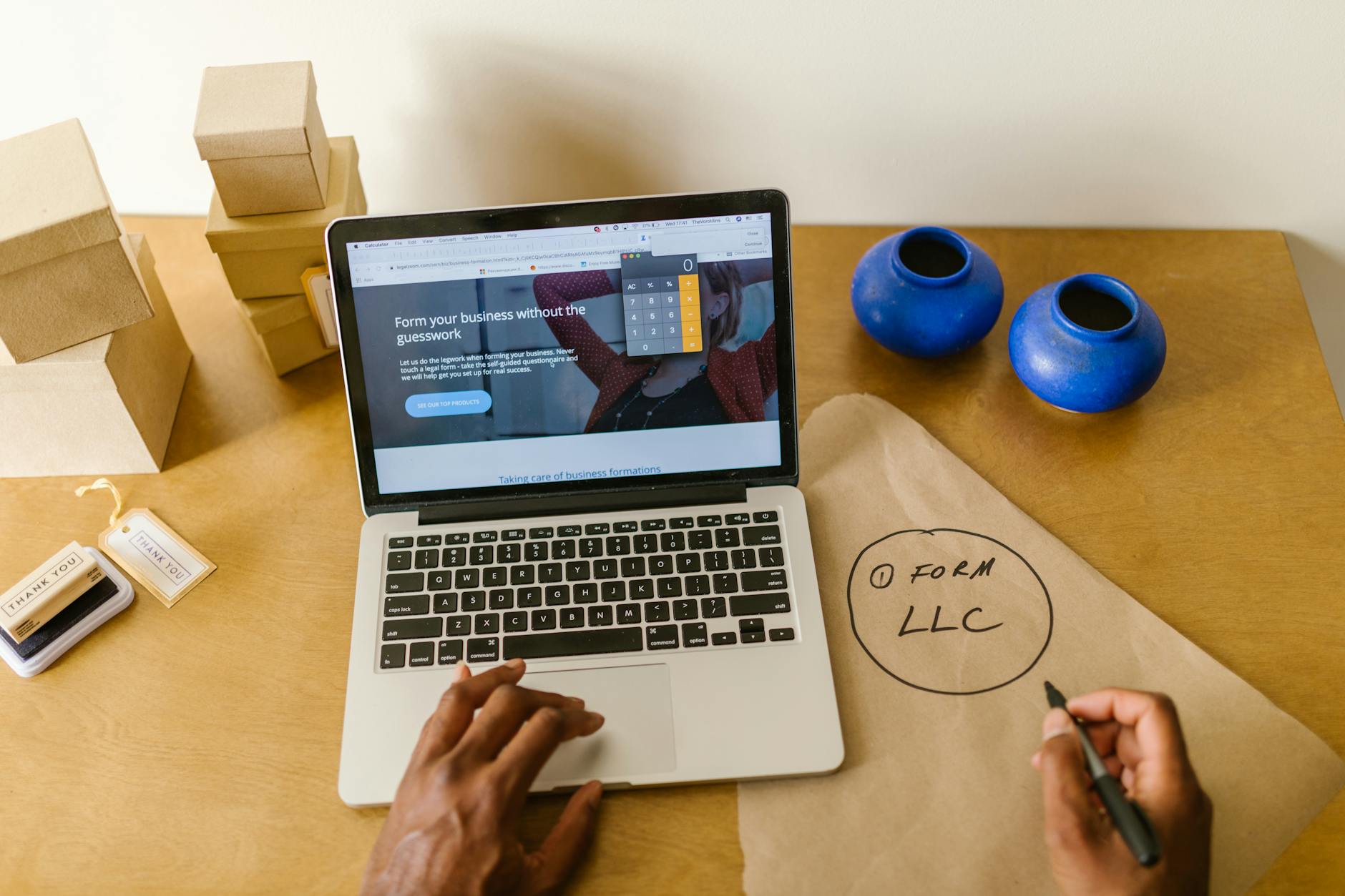
Build a Website Without Coding Skills
If you've ever assumed that building a proper business website required a developer, a design degree, or weeks of frustrating back-and-forth with an agency, you're not alone. That assumption was true for a long time. This era, it simply isn't anymore. AI-powered tools have made it genuinely possible for anyone to go from zero to a professional, functional website in a single afternoon, and this guide walks you through exactly how to do it.
How To Build A Website Without Coding: Why Non-Coders Can Now Build Real Websites
The biggest shift in web publishing over the last few years has nothing to do with browsers or hosting speeds. It has to do with AI and visual editors absorbing all the technical complexity that used to sit between a business owner and a live website. You no longer need to know what HTML means, let alone write it. Tools handle the structure, layout, and code invisibly while you focus on your business. That single change has opened up professional web publishing to millions of people who were previously locked out.
Small businesses used to face a real dilemma: pay a developer several thousand dollars, settle for a clunky template that looked generic, or simply go without. None of those were good options, especially for a freelancer, a local service provider, or someone just starting out. Today, a website builder for small business does what an agency used to do, but it does it in hours rather than weeks and at a fraction of the cost. The results look custom because the tools are actually smart enough to tailor layouts to your specific industry.
Modern builders combine a clean, visual editing experience with AI that writes first-draft content, suggests layouts, and organizes your pages into a logical structure. You spend your time making decisions about your business rather than wrestling with software. That shift in effort matters enormously when you're running a business at the same time. You're not learning a new technical skill; you're just answering questions about what you do and who you serve.
Your competitors are already online, and many of them built their sites quickly using exactly these kinds of tools. Every week you spend without a website is a week that potential customers searching for your service find someone else instead. The good news is that catching up is faster than you might expect. A focused afternoon spent using an AI-powered builder is genuinely enough to get a complete, working site live.
Step 1: Choose Your Domain and Platform
Your domain name is the first thing a customer types or clicks, so it deserves a few minutes of careful thought before you commit. Short names work better than long ones, and names that are easy to spell over the phone prevent the frustrating moment when a customer ends up on the wrong site. Aim for something that matches your business name or your core service, and avoid hyphens or numbers that create confusion. A domain like "riverviewplumbing.com" is far more useful than something clever that nobody can remember.
Once you have a name in mind, you'll decide whether to connect a domain you already own or register a brand new one. Some platforms let you do both inside the same dashboard, which keeps things simple. Juggling a domain registrar, a hosting company, and a website builder as three separate services adds unnecessary complexity to what should be a straightforward process. Look for a platform that handles at least domain connection and hosting together so you have one fewer account to manage.
When it comes to picking the platform itself, prioritize tools that don't start you with a blank page. A blank canvas sounds like freedom, but in practice it's paralyzing when you're not a designer. An AI-powered platform that asks you a few questions about your business and then generates a full starting structure is far more useful. You still make every decision about what stays and what changes; you just don't have to invent the structure from scratch.
Step 2: Let AI Generate Your Site Structure
The most concrete way to understand how to build a website without coding is to watch what happens when you describe your business to an AI builder in plain language. You might type something like "I run a mobile dog grooming service in Austin serving neighborhoods north of the river" and the tool will generate a homepage, a services page, a pricing section, and a contact form organized around that description. It's not magic, but it is genuinely impressive, and it saves you hours of layout decisions. The AI draws on patterns from thousands of similar businesses to produce something that works for your industry right away.
The generated headlines, section layouts, and content blocks are not generic filler you have to replace entirely. They're structured to match the way customers in your industry look for information, so the flow from "what you do" to "how to contact you" already makes sense. You'll still want to rewrite the copy to match your actual voice and specifics, but you're editing rather than starting from nothing. That distinction makes the whole project feel manageable rather than overwhelming.
Reviewing and refining the structure is entirely visual. To move a section lower on the page, you drag it. To remove a block that doesn't apply to your business, you click a button. None of this involves opening a code editor, inspecting elements, or worrying about breaking anything. The builder keeps everything intact while you rearrange it, which means you can experiment confidently without fear of accidentally destroying your progress.
Once the structure looks right, the most important step is replacing placeholder content with your real business information. Add your actual address, phone number, hours, service area, and a photo that shows your work or your team. Specific details build trust with visitors far more effectively than polished stock photography and generic headlines. A customer who sees your real shop, your real face, or a real example of your finished work is much more likely to reach out.
Step 3: Customize Without Touching Code
Visual editors let you change colors, fonts, and spacing by clicking on them and choosing from a menu, the same way you'd format a document in a word processor. You don't need to know that a hex code is how computers describe colors, because the tool gives you a color picker instead. Changing your brand color across the entire site takes about thirty seconds. That kind of instant feedback makes the design process feel fast and satisfying rather than technical and slow.
Rearranging pages and adding new sections works on the same principle. Want to add a testimonials block below your services? Click "add section," pick the testimonials layout, and type in your reviews. Want a separate page for each service you offer? Click "add page," name it, and the navigation updates automatically. You're making editorial and structural decisions, and the builder handles everything else in the background. That division of labor is exactly what makes modern platforms so practical for business owners who have other things to do.
Uploading your own photos, logo, and video is handled through simple file pickers, and most platforms accept the common formats you already use. You don't need to resize images to specific pixel dimensions or convert video files to special formats before uploading. The platform handles optimization on its end, which also means your site loads quickly for visitors on slower connections. Fast-loading pages matter both for user experience and for how Google ranks your site in search results.
Before you publish, spend five minutes previewing your site in the mobile view that every modern builder includes. Most of your visitors will arrive on a phone, and a layout that looks great on a laptop can collapse awkwardly on a smaller screen. The mobile preview shows you exactly what they'll see, and any adjustments you make there take effect immediately. Fixing a spacing issue or resizing an image in mobile view is just as visual and click-based as everything else.
Step 4: Add Tools That Turn Visitors Into Customers
A beautiful website that gives visitors no easy way to take action is a missed opportunity. Contact forms, calendar booking tools, and live chat widgets can all be embedded without writing a single line of code; most builders offer them as pre-built blocks you drop into any page. A customer who can book an appointment directly from your site without picking up the phone is more likely to actually book. Removing friction at that decision point is one of the highest-value things you can do when building your site.
If you sell products or services with a fixed price, adding a payment button connects your site to a checkout experience that handles transactions securely. You don't need a separate e-commerce platform or a developer to set up payment processing. For service businesses, even a simple "pay deposit" button can reduce the back-and-forth that slows down new client onboarding. Getting paid faster with less friction is a direct business benefit that comes from a few clicks in your builder dashboard.
Email signup forms are worth adding even before you have a newsletter ready to send, because the list you build now becomes a marketing asset you own permanently. Unlike social media followers, your email subscribers are an audience you can reach directly without depending on an algorithm. Place a signup form somewhere visible, offer something useful in exchange for the address, and let the list grow in the background while you focus on the rest of your business.
Google visibility features built into your platform, like the ability to set page titles, descriptions, and structured business information, make a meaningful difference in whether local customers can find you. Filling in those fields takes ten minutes and requires no technical knowledge, but skipping them leaves your site essentially invisible to search engines. Learn more about getting found on Google through the tools built into your dashboard and make those settings a priority before you launch.
Common Mistakes Non-Coders Should Avoid
The most common mistake new site owners make is adding too much. Six pages with dense text, five navigation items, three pop-ups, and a sidebar full of widgets creates confusion rather than credibility. A focused site with a clear homepage, a services or products page, an about page, and a contact page serves most small businesses better than anything more elaborate. Visitors should be able to understand what you do and how to reach you within the first ten seconds of landing on your site.
Ignoring mobile design is the second most costly mistake, and it's entirely preventable. Over sixty percent of web traffic now comes from phones, so a site that isn't optimized for mobile is effectively broken for the majority of its visitors. Preview your site on the mobile setting before publishing and check every page, not just the homepage. A misaligned button or an unreadable font on a phone can cost you a real customer who simply clicked away.
A surprisingly common issue for people who are new to running their own site is forgetting to verify that the domain and hosting are actually connected and active after launch. It's easy to assume that because you set it up, it's working. Check that your domain resolves to your site, that there's no security warning in the browser, and that your contact form actually sends messages to your email. Fifteen minutes of checking those basics saves you from losing inquiries for weeks without realizing it.
Finally, launching a site and then leaving it completely static is a reliable way to watch your Google rankings gradually slide. Search engines treat fresh, regularly updated content as a signal that a site is active and worth sending traffic to. Adding a blog post once a month, updating your services when they change, or adding new customer testimonials are all small actions that keep your site relevant. Use our AI blog tools to make that kind of regular content update quick enough to actually stick to.
Build website with AI is less a technical project and more a series of decisions about your business. You decide what you do, who you serve, what you charge, and how you want people to reach you. The right AI-powered platform translates those decisions into a working website automatically, and everything from that point forward is editing, not engineering. If you've been putting this off, today is genuinely a good day to start.